Retrieving Media Asset Management System (MAM) Video Playback URLs for Embedding on BBB/H5P
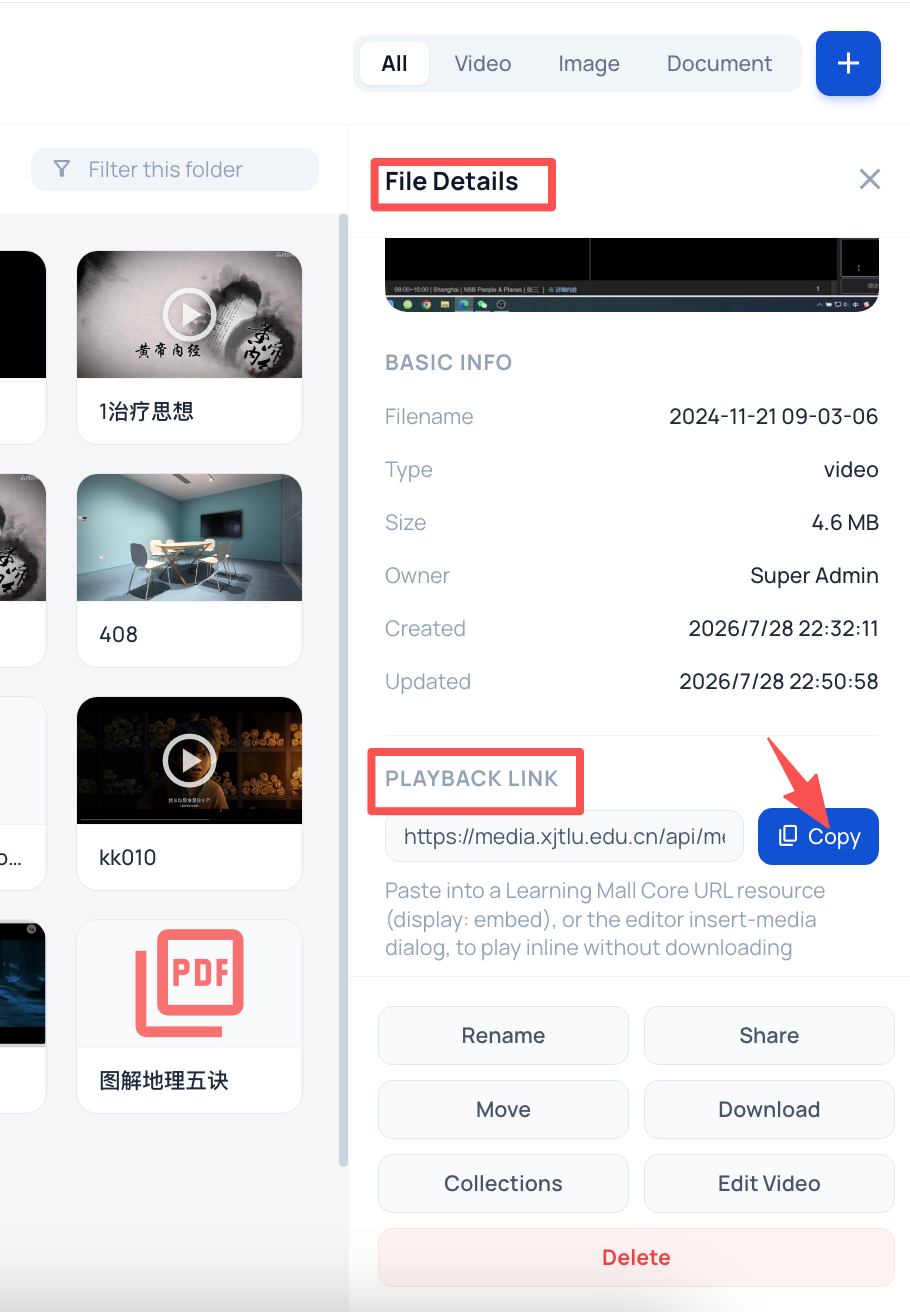
An example of playback link
Overview:
This guide covers how to generate direct MAM video playback links for embedding into BBB/H5P
What to know:
Brief description of the activity/tool/feature, e.g. what it does, who it is for, etc.
Table of Contents
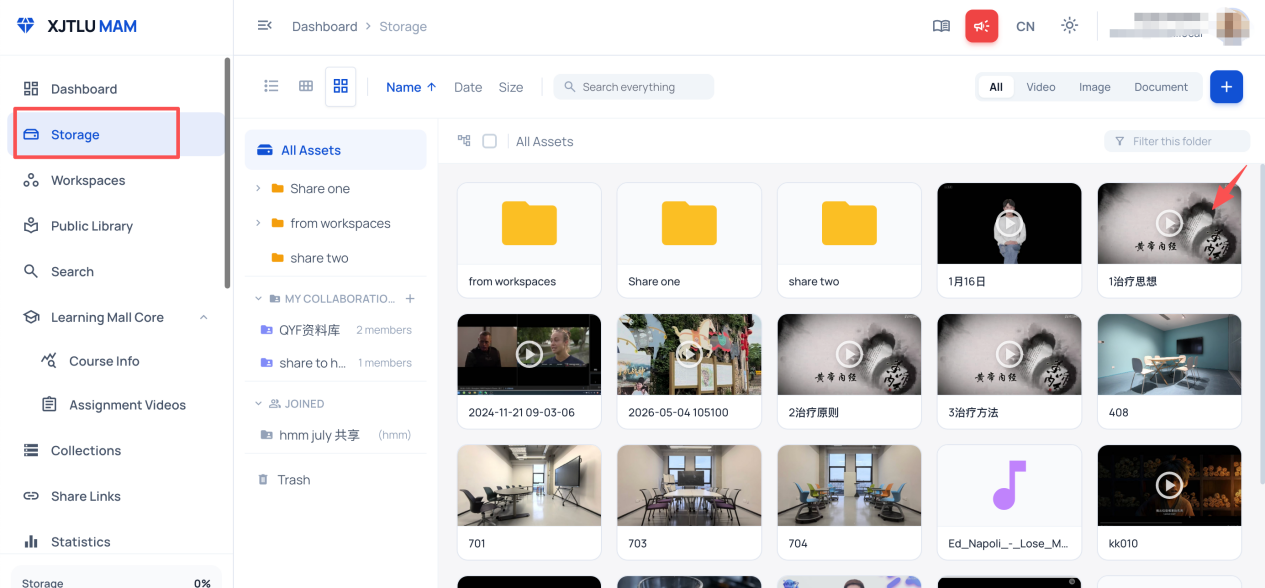
Step 1: Locate Target Video in MAM Storage
Log into the MAM platform, open the Storage module, and click to open your target video asset.
Step 2: Copy Direct Playback Link
Select “Playback Link” in File Details.
Click the “COPY” button.